About Techlosoft
Techlosoft is 100 desktop programs for Windows and Mac. Each one does a single job, is one file you double-click, and is free while we are in preview. This page covers what exists today, how it is built, and what is still to come.
Where the range came from
Every program here started from software people already pay for. We looked at 78 established paid programs, grouped them by the job people hire them for, and where several overlapped we designed one program that does that whole job rather than a thin version of all of it. Each program page names the four it draws on, and each has a published build plan saying what ships first and why.
That produced 25 groups of four, a Simple, a Pro, a Team and a Vertical version of each job, which is where the hundred comes from. There are 102 programs in total: the hundred, plus the phone-to-desk transfer program and the wizard that installs the rest.
How they are built
- One file. Every program is a single executable with no installer, no runtime to fetch and nothing left behind if you delete it. The window and the command-line tool are the same binary: double-click it for the window, give it arguments and it runs as a command-line program.
- Go, compiled ahead of time for Windows, for Intel and Apple Silicon Macs, and for Linux. 708 binaries across the range.
- 164584 lines across 499 source files, with 854 tests in 118 test files. Every line of it is published beside the download.
- Nothing is deleted. Anything a program removes is moved to a folder you can get it back from, and anything that changes files prints the entire plan and stops unless you explicitly tell it to go ahead. The two programs whose whole point is destroying data say so on their own pages, and still default to a dry run.
- 88 of the 100 never open a network socket. The 12 that do are the download managers, the phone bridge and the network and remote-operations tools, where reaching something is the job. Nothing here reports anything back to us.
Current limitations
Read this before you download.
- It is a preview, and the programs are earlier than the software they take their ideas from. Each program page states clearly what is implemented and what is not. DupePilot finds exact duplicates and does not yet do near-duplicate photo matching; ClipStudio finds credentials in terminal recordings and misses roughly one in three. Those sentences are on the pages because they are true, not because they read well.
- The binaries are not code-signed. Windows SmartScreen and macOS Gatekeeper will both warn you the first time you open one. That warning is accurate: it means nobody has paid for a certificate, not that the program has been checked and cleared. Getting past it deliberately takes a minute on either platform.
- The names are working titles. They have not been cleared for trademark or domain use, and several will change before any of this is sold. Each program page notes where its own name stands.
- Nothing is for sale. The pricing page describes plans that do not exist yet. Everything finished is free to download right now, with no account and no card.
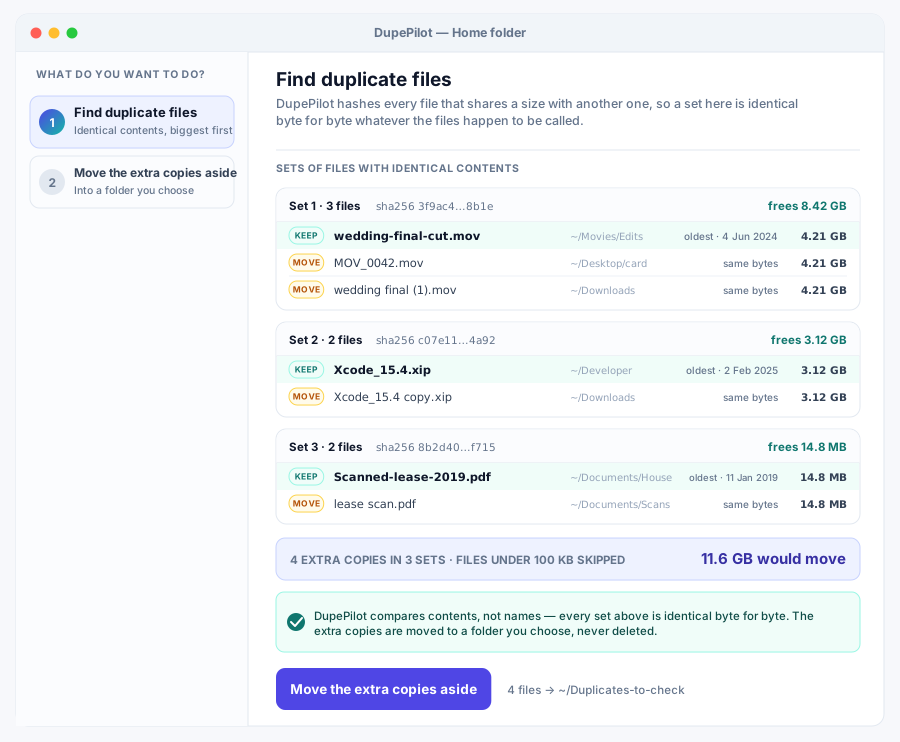
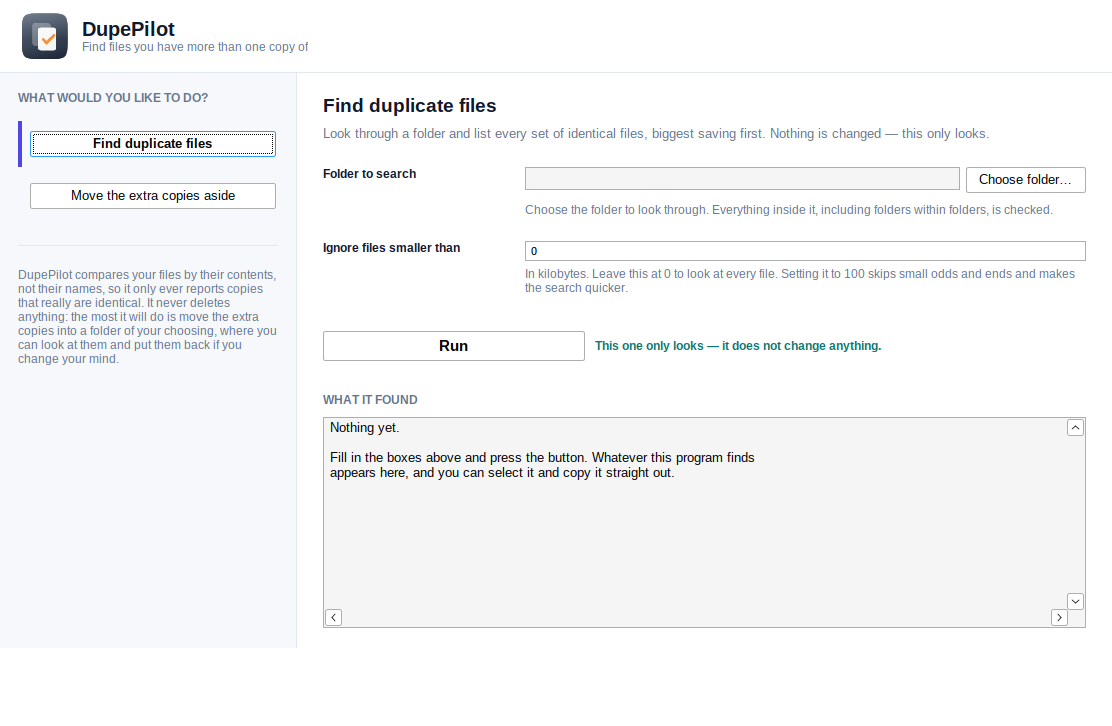
- The interface drawings are drawings. Every program page shows designs of its window as well as, where there is one, a photograph of the actual window running. The two are labelled differently, on purpose.
What is on this site
- 100 program pages, each with its downloads, its recorded command-line help, its source and its build plan.
- 25 group pages, one per kind of job.
- 31 guides to the jobs themselves, most of which begin with what your computer can already do for free.
About these figures
Every figure above is counted from the repository when the site is built, rather than typed into the page. That is not a technical detail for its own sake: a number typed into a page goes stale; a counted one does not. If you count the source files yourself and get a different answer from 499, the page is wrong and we would like to know.
Press and media
The artwork is all here and free to use: every program has a logo, an interface drawing, a photograph of its window running and a share card, at /assets/logos/<name>.svg, /assets/ui/<name>.svg, /assets/shots/<name>-window.png and /assets/social/<name>.jpg.

If you are checking a claim, the fastest route is the program's own page: the command-line help printed there is recorded from the shipped binary rather than written by hand, and the source next to it is the source that binary was built from.