Bulk rename and file tools for Windows and Mac
Bulk changes to a lot of files at once — names, places, sorting rules, or a whole plan written out in a spreadsheet.
4 programs, free while we’re in preview. One file each. No account, no installer, nothing to uninstall.
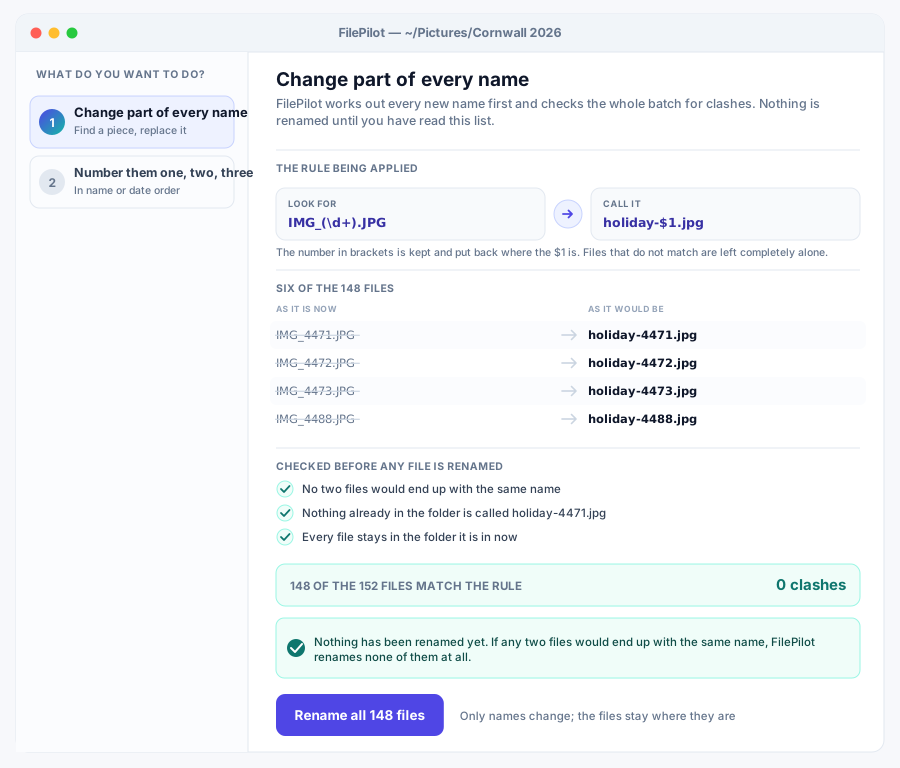

Renumber a photo dump, or rename a whole folder by pattern. It shows you the plan first.
The Simple one of the 4: it keeps the settings to a minimum and picks sensible defaults for you, so there is almost nothing to learn before it is useful.
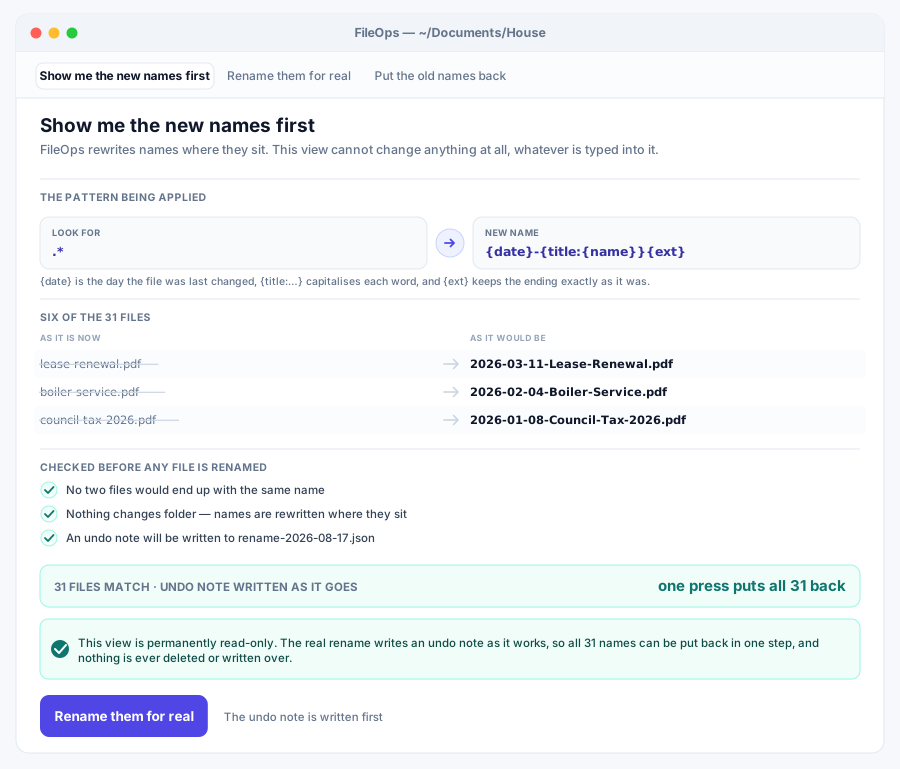

Rename in place with a real template language, and an undo that puts it all back.
The Vertical one of the 4: it is tuned for that work specifically, with presets and reports built around it rather than every setting under the sun.


Write the sorting rules once. Re-run it whenever Downloads gets messy again.
The Pro one of the 4: it adds the deeper settings and finer control that people who use it every day ask for, without getting in the way on a quick job.
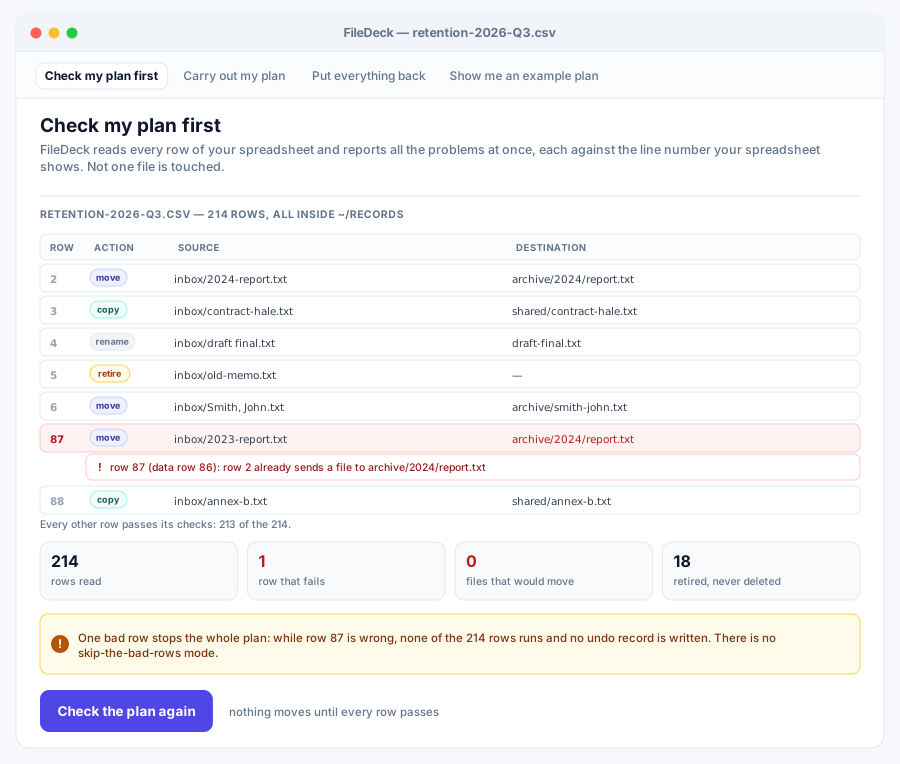

A spreadsheet says what happens to each file. FileDeck does all of it, or none.
The Team one of the 4: it adds what a team needs: command-line control for scripts, settings you can roll out across machines, and a record of everything that ran.
Reading on this job
- How to rename hundreds of files at once Bulk renaming goes wrong in one specific way, and it is worth knowing what it is before you run anything.
- How to sort out a Downloads folder that got away from you Sorting it by hand takes an evening, and it is a mess again by spring. Writing the rules down once means the second time costs one command.
What every program in this group guarantees
- Nothing is deleted. Anything a program removes is moved somewhere you can get it back from, and anything that changes files shows you the whole plan before it touches one.
- Nothing is reported back to us. No program here signs you in, phones home or counts what you did. The ones that use the network at all use it because that is the job, fetching a file you asked for, reaching a machine you named, and nowhere else.
- One file. Download it and run it. There is no installer, no runtime to fetch and nothing left behind if you delete it.
- The window and the command line are the same program. Double-click it for the window; give it arguments and the same binary runs as a command-line tool.
- The source is published for every program here, next to the download.
Looking for something else? Browse all 100 programs or see what a plan covers.